Your Camera, Your Way
Works with the built-in camera on any Android device, supports Olympus mirrorless cameras over Wi-Fi, or use another Android phone as a remote camera.
DIY Photo Booth for Android
JustBooth turns any Android phone or tablet into a self-contained photo booth — no extra hardware, no complicated setup. Countdown timer, instant print or share, and kiosk mode for your event.
Free to download · No account · Works fully offline
See JustBooth in action
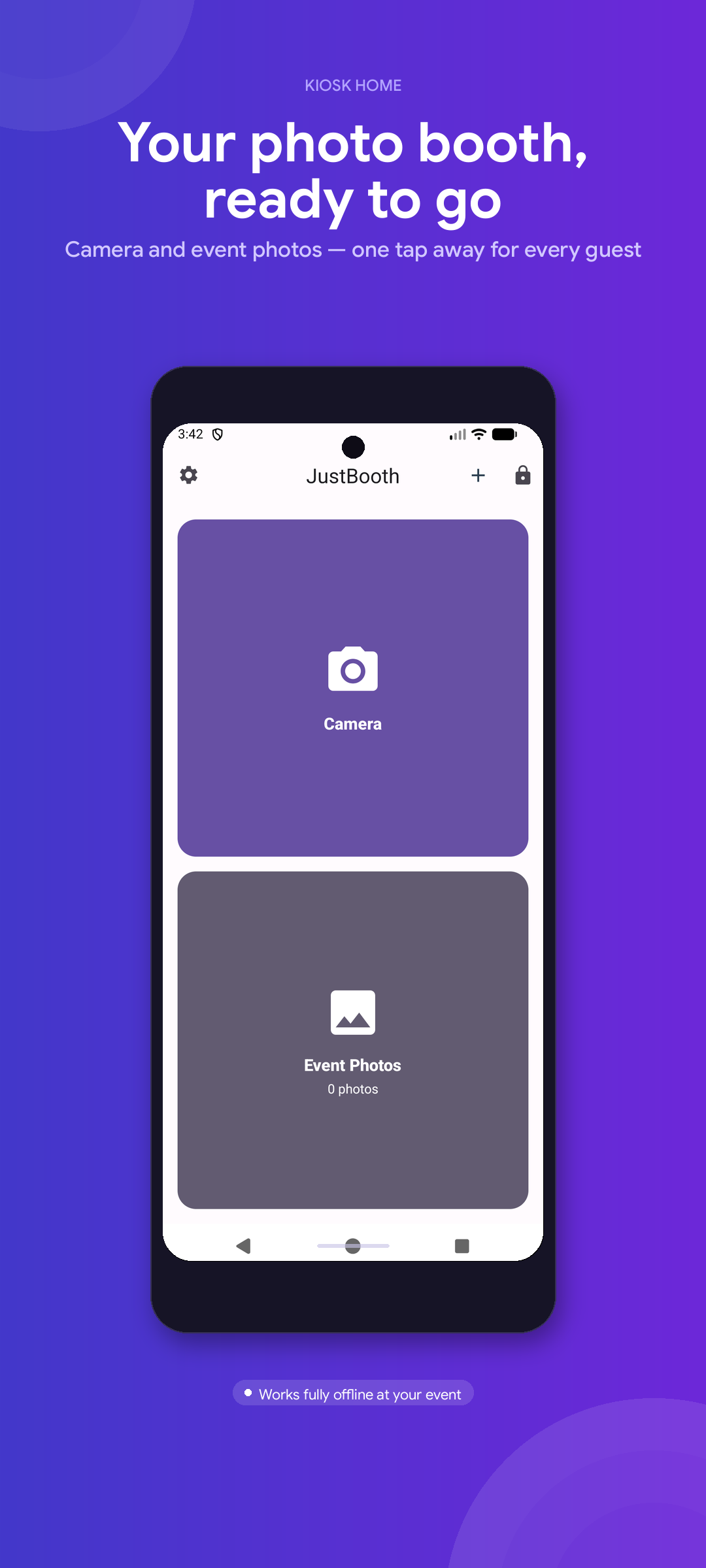
Home - Start an event session
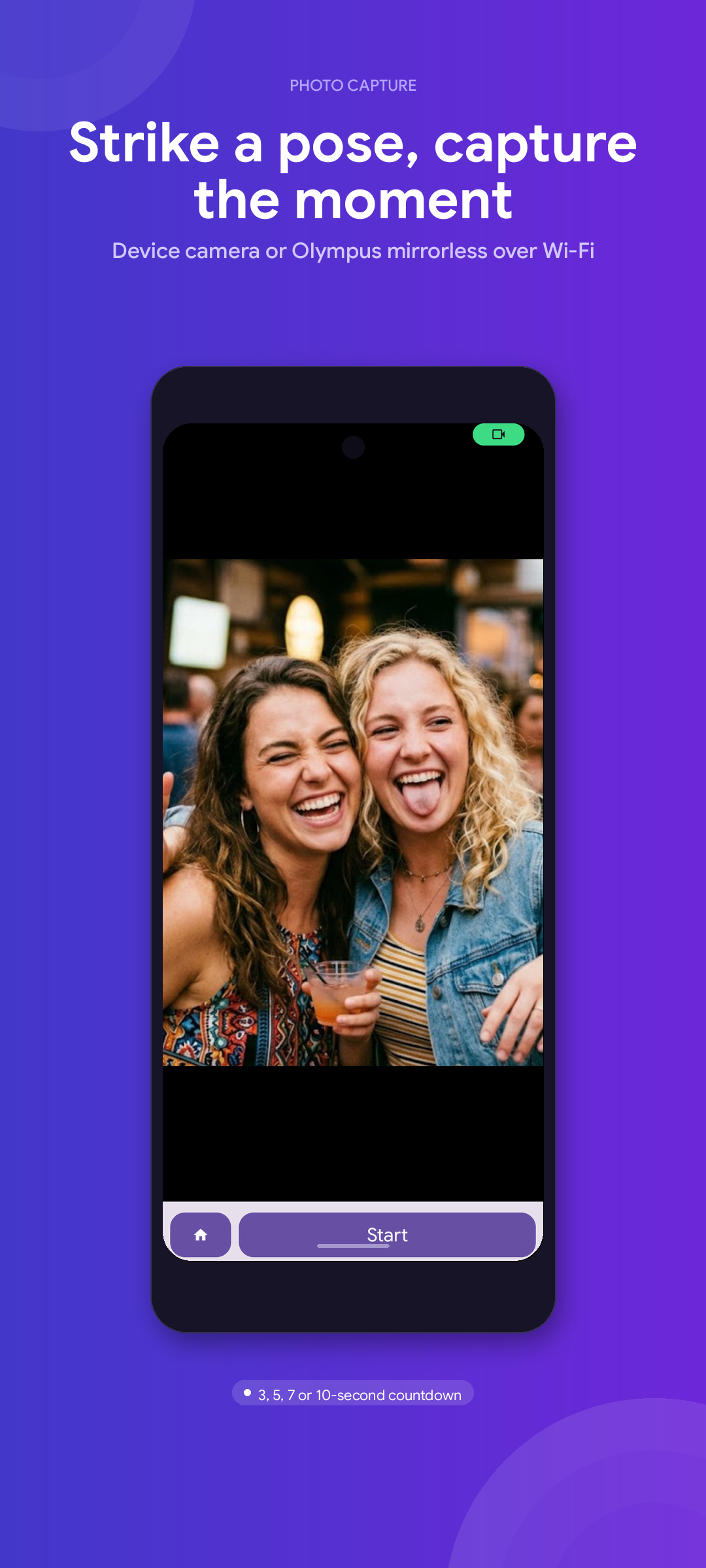
Camera - Countdown & capture
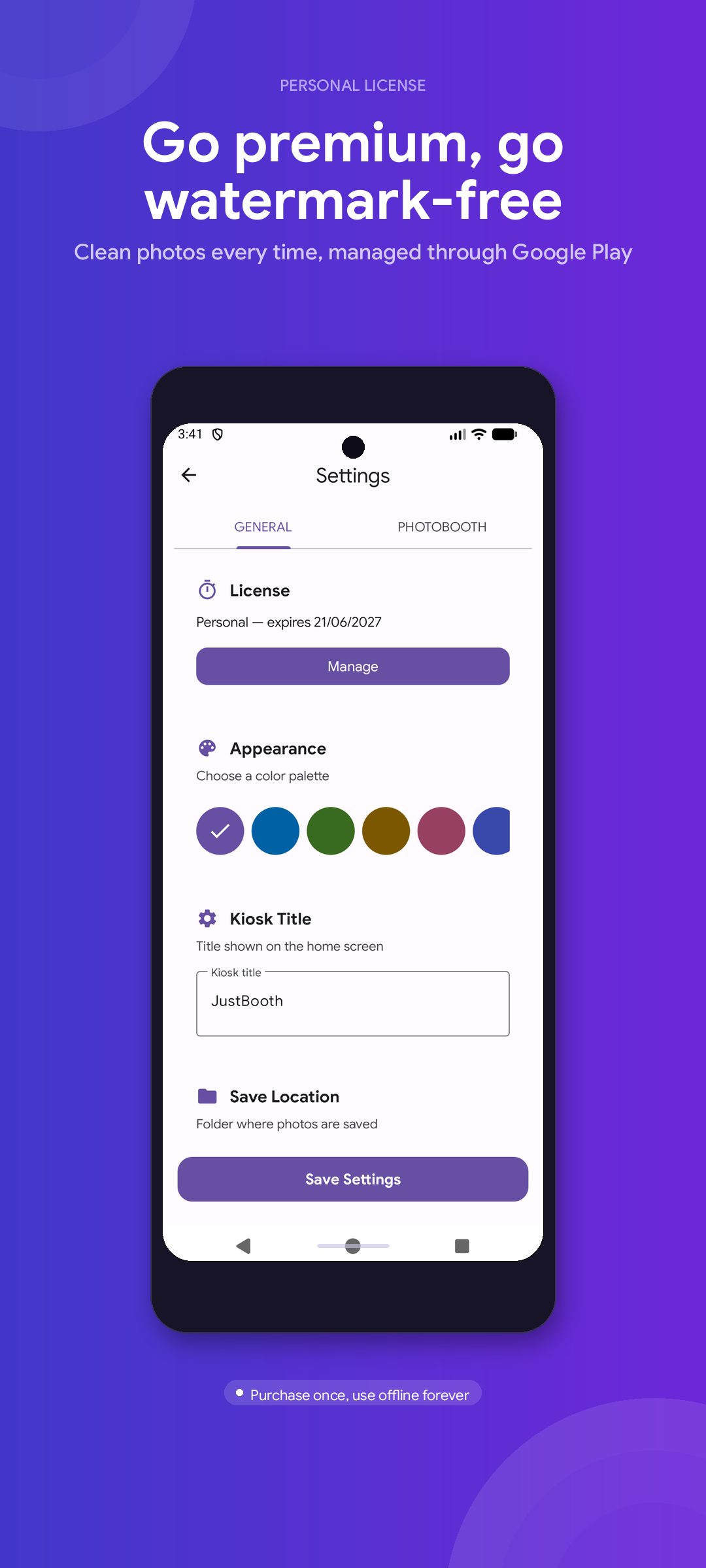
Upgrade - Personal & Business tiers
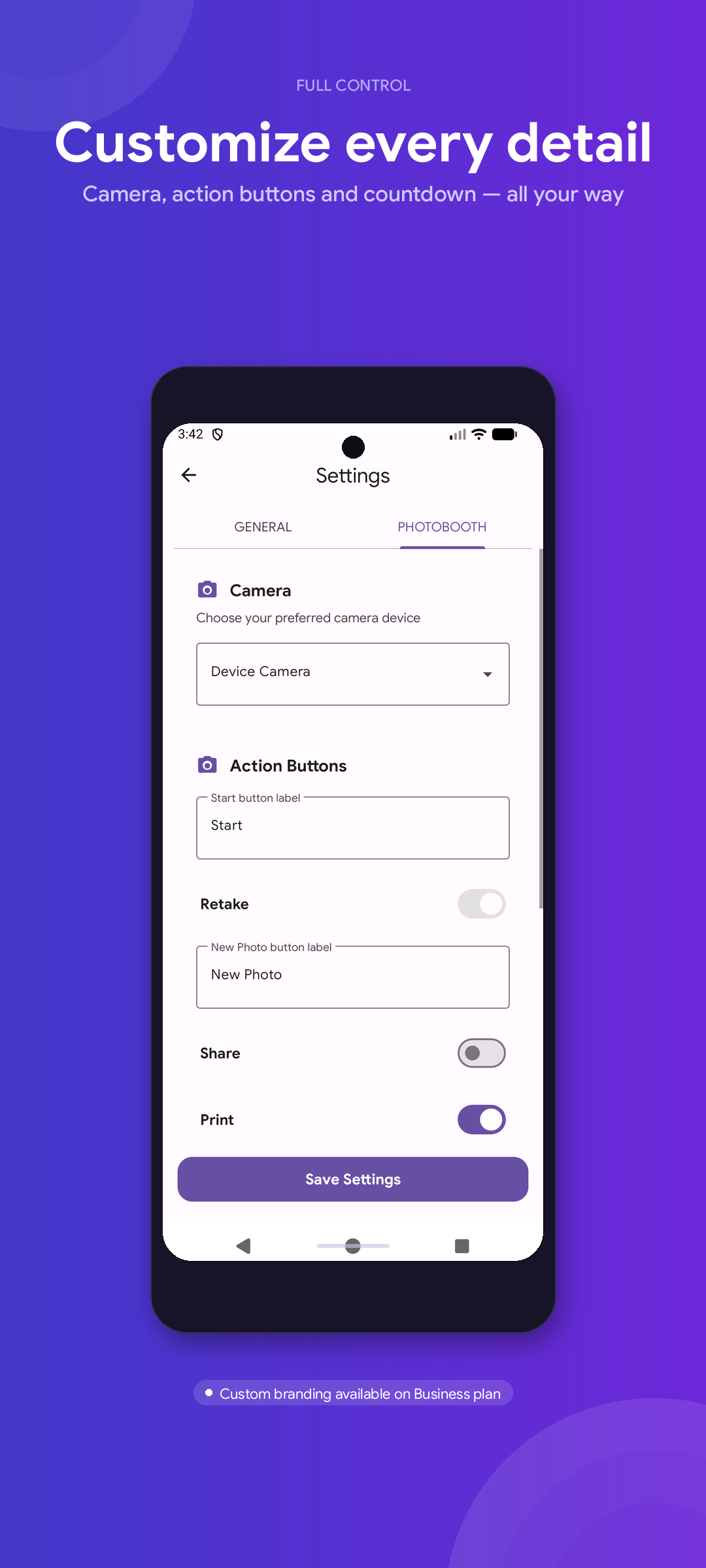
Settings - Camera, printer & kiosk mode
Everything you need for a fun, professional photo station — nothing you don't.
Works with the built-in camera on any Android device, supports Olympus mirrorless cameras over Wi-Fi, or use another Android phone as a remote camera.
Configurable 3–10 second countdown with a custom message, then the photo appears instantly on the big screen with a fun compliment.
Works with any printing app on your device — Bluetooth, Wi-Fi, or USB. Pick a specific printer app or use the system default.
No printer? No problem. Share photos instantly via any app on the device, or save them to the gallery and send them to guests later.
Fullscreen, screen always on, Home button locked to the booth. Guests stay inside the photo experience the whole event.
A PIN or biometric lock keeps settings out of guests' hands while you stay fully in control, mid-event.
Group photos by event session, browse the event gallery, and watch the photo counter grow as the night goes on.
No account, no data collection, no ads. Photos stay on your device and everything works fully offline at your event.
Everything you want to know before turning your tablet into a photo booth.